FontWerk is a Windows application for managing, previewing, and checking font files. It helps organize installed and external fonts, group them by project, temporarily activate them, and verify character coverage.
FontWerk is intended for users who regularly work with many fonts, for example in layout, prepress, PDF production, mailing/lettershop workflows, or customer font management.
External font files remain at their original location, such as a shared font folder on a network drive. FontWerk stores the organizational assignments and does not import the files into a permanent FontWerk font library. Temporary cache copies may nevertheless be created in the Windows temporary directory to provide reliable WPF previews.
Features
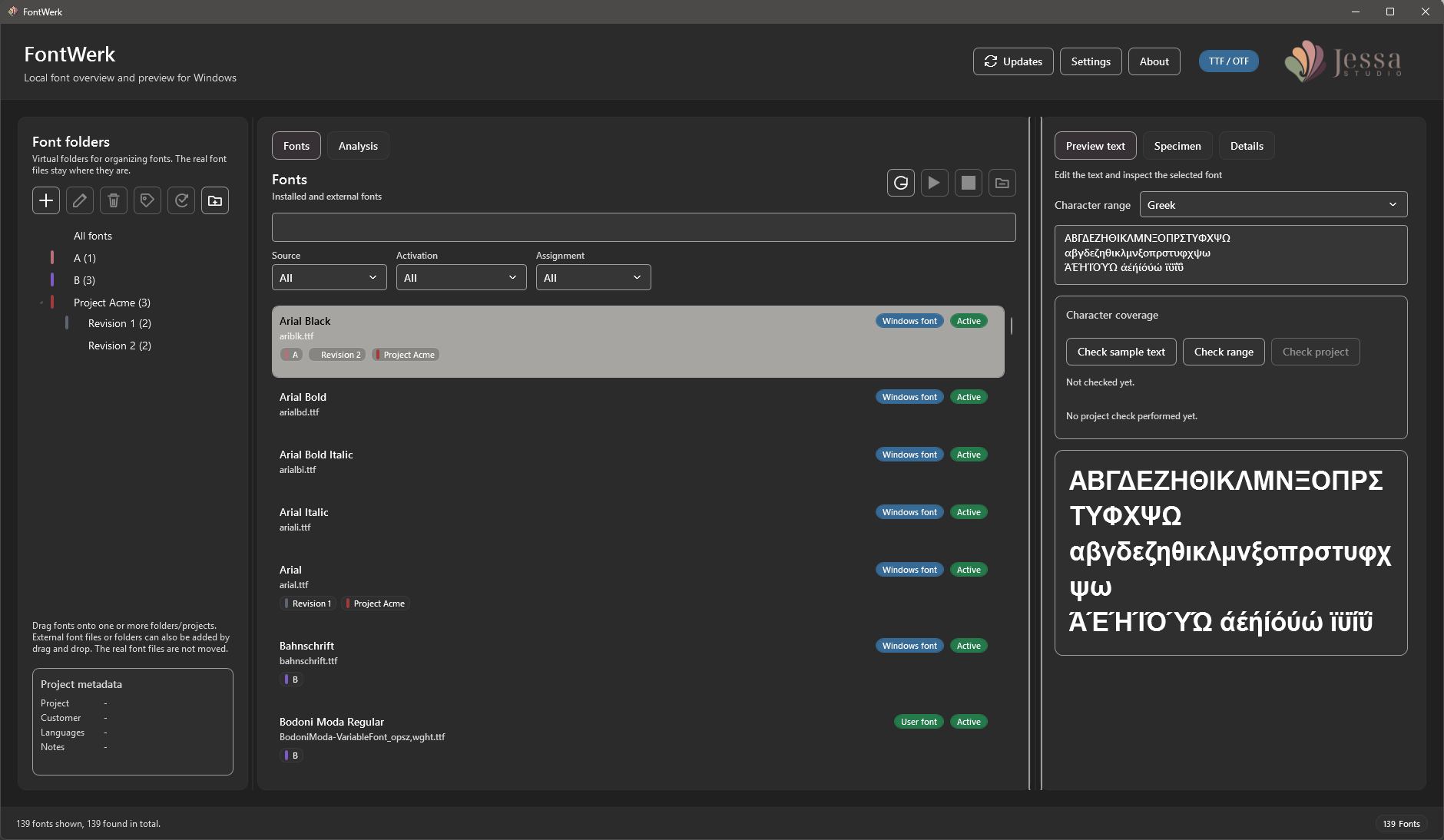
- display of installed Windows fonts, user fonts, and external font files
- adding additional font folders, including network folders
- virtual font folders and projects for organizing fonts
- multiple assignments: one font can be used in several projects
- project metadata such as project name, customer, languages, notes, and color tag
- color tags with 32 coordinated colors; new virtual folders receive a light-gray tag by default
- drag and drop of fonts into virtual folders/projects
- drag and drop for adding external font folders and font files
- targeted removal of individually registered fonts from FontWerk without deleting the physical file
- temporary activation and deactivation of external fonts without restarting Windows
- direct power button in each font row for especially fast activation and deactivation
- warnings for possible name and version conflicts during activation
- project-based activation sets
- automatic activation of selected projects when the application starts
- filters for source, activation status, and project assignment
- text sample with selectable language and Unicode character ranges
- real character coverage checks based on the font file
- checks for individual fonts, text samples, character ranges, and entire projects
- display of missing characters including Unicode values
- red highlighting of missing characters directly in the rendered text sample
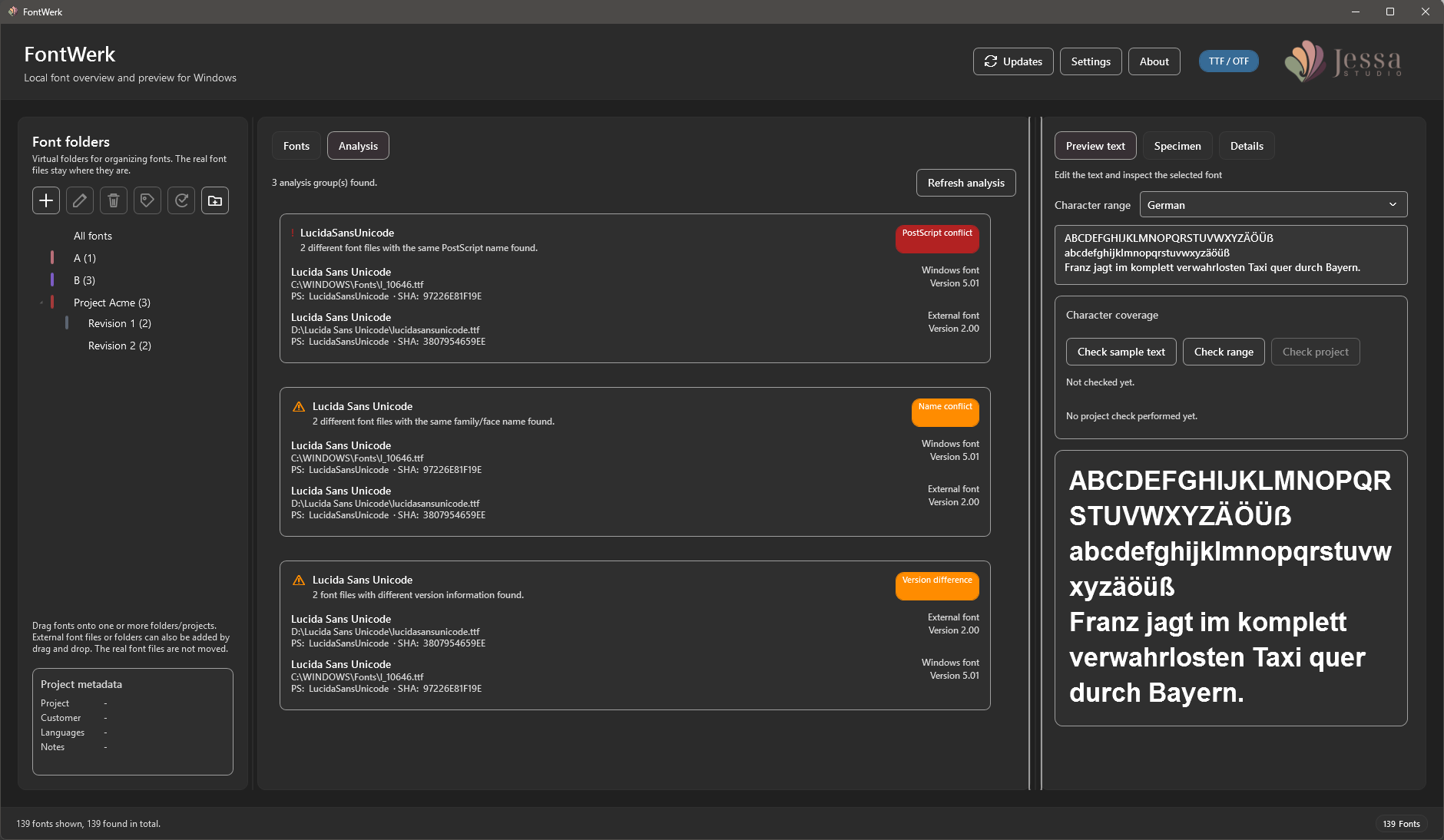
- duplicate and conflict analysis for identical files, name conflicts, PostScript names, and version differences
- details for the selected font file
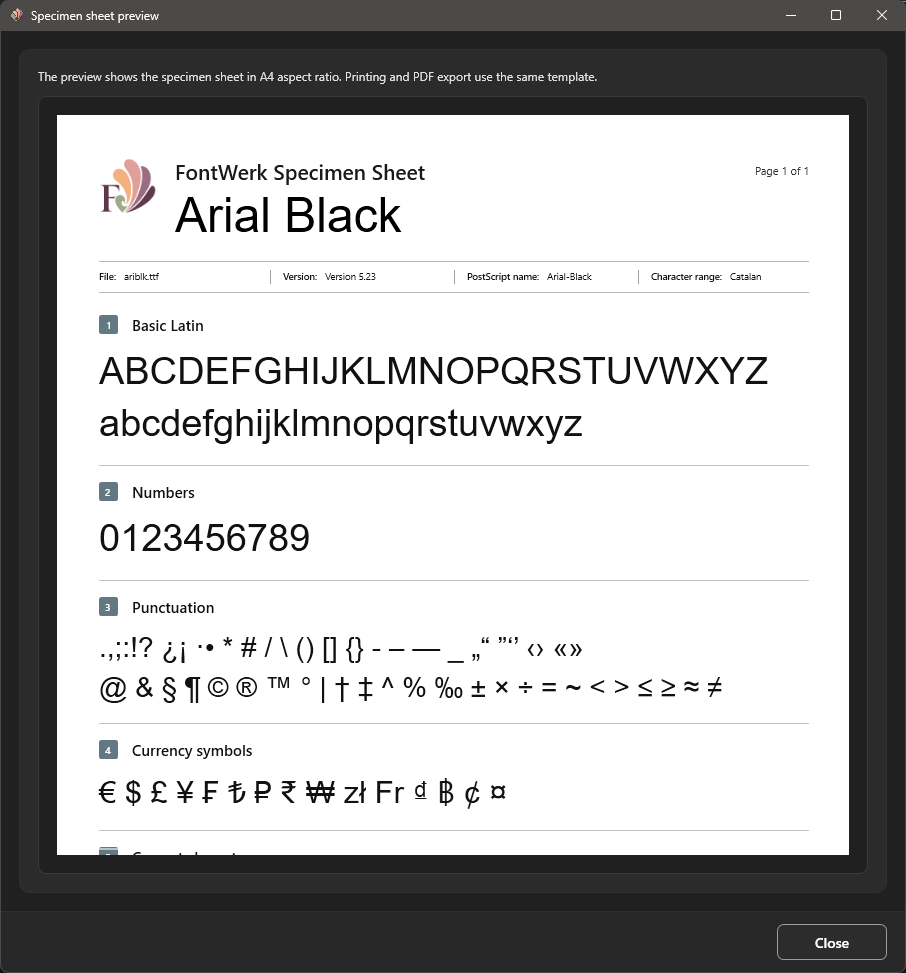
- specimen sheet with A4 preview, printing, and PDF export
- multi-page project sheet with text samples, character coverage, conflict notes, and detail data for every project font
- export of font files assigned to a project into a freely selectable target folder
- optional minimization to the Windows notification area near the clock
- optional automatic start with Windows
- user interface in German, English, French, Spanish, Italian, Japanese, and Simplified Chinese
- system, light, and dark themes
- immediate live preview of language and theme directly in Settings, with every language shown by its stable native name
- persistence of language, theme, window size, and window position
- local logging and backup of local data before database migrations
- manual update checks through a validated online manifest
Supported font formats
FontWerk currently supports individual TrueType and OpenType font files in the .ttf and .otf formats. TrueType Collections (.ttc) and OpenType Collections (.otc) are not supported in the current version and are therefore not scanned or managed.